



Caller Intelligence is a Microsoft Teams-native application that surfaces full caller context — contact details, CRM data, interaction history, voicemails and call notes — automatically when an inbound call arrives. It gives agents everything they need to deliver a faster, more personal customer experience without leaving Teams.
Yes. Caller Intelligence can be connected to the CRM you are already using — surfacing your data directly within the Teams screen pop. We handle the integration work during onboarding so your agents get the full picture without switching applications. Even if you're using something more specialist or unusual, we can build a new CRM connector during your onboarding.
No. Caller Intelligence works alongside your existing Teams telephony environment — connecting to your calling setup so there's no disruption to how your team makes and receives calls.
Yes. Administrators can fully configure the screen pop layout — choosing which information is displayed and how it's arranged. This means you can tailor the experience to show exactly what your team needs, whether that's CRM fields, recent call notes, voicemail history or any combination of the above.
By default, Caller Intelligence stores data securely in Microsoft Azure with no additional setup required. If your organisation prefers to keep data in its own storage account or database, administrators can configure this from the settings panel — giving you full ownership and control of your data.
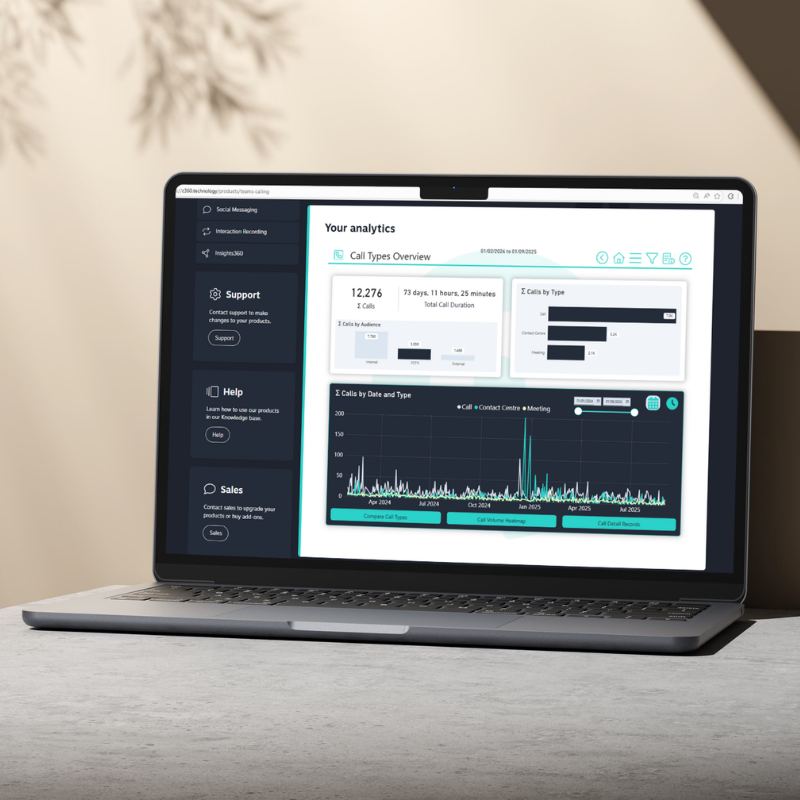
Administrators can configure KPIs and organisational data groupings within Caller Intelligence that feed directly into C360's embedded analytics. This allows team leads and management to track performance metrics — such as call volumes, response times and departmental activity — alongside all other C360 communication data in one unified view.
Caller Intelligence is included in C360 Lite and C360 Plus. Speak to our team about adding it to your C360 environment and how it can be configured to your organisation's specific requirements.
Caller Intelligence uses a hierarchical access control structure — for example Region, Department, Team — so each user only sees the voicemails and data relevant to their role. Administrators manage user access, roles and permissions from a single settings interface, with a full audit log recording every significant action.
No. Caller Intelligence uses Microsoft single sign-on — so your team accesses it using their existing Microsoft credentials. There are no additional passwords to manage and no separate application to log into.
Yes. The hierarchical access control structure is designed specifically for organisations with multiple departments, teams or locations — ensuring each user sees only what's relevant to them, while administrators maintain full visibility and control across the organisation.


Copyright © 2026. Conversant Technologies Ltd. All rights reserved.


